Conversation


|
The latest updates on your projects. Learn more about Vercel for GitHub.
|

There was a problem hiding this comment.
Pull Request Overview
This PR adds a video timeline section to the tips and tricks documentation, featuring YouTube video demonstrations of KiloCode functionality.
- Adds a table with three video demonstrations showing different KiloCode features
- Provides visual learning resources for users through embedded YouTube video thumbnails
Tip: Customize your code reviews with copilot-instructions.md. Create the file or learn how to get started.
| - When using Debug mode, ask Kilo to "start a new task in Debug mode with all of the necessary context needed to figure out X" so that the debugging process uses its own context window and doesn't pollute the main task | ||
| - Add your own tips by clicking "Edit this page" below! | ||
| - To manage large files and reduce context/resource usage, adjust the `File read auto-truncate threshold` setting. This setting controls the number of lines read from a file in one batch. Lower values can improve performance when working with very large files, but may require more read operations. You can find this setting in the Kilo Code settings under 'Advanced Settings'. | ||
|
|
There was a problem hiding this comment.
The table headers are unclear and don't match the PR title which mentions 'video timeline'. Consider adding a descriptive section header above the table to explain what these videos demonstrate.
| ## Video Timeline: Demonstration of Key Features | |
| The following videos demonstrate how Kilo Code works across different tabs and workflows. Each video highlights a specific feature or interaction within the Browser Tab, Auto-Approve Tab, and Display Tab. |
|
|
||
| | Browser Tab | Auto-Approve Tab | Display Tab | | ||
| |---------|---------|---------| | ||
| | [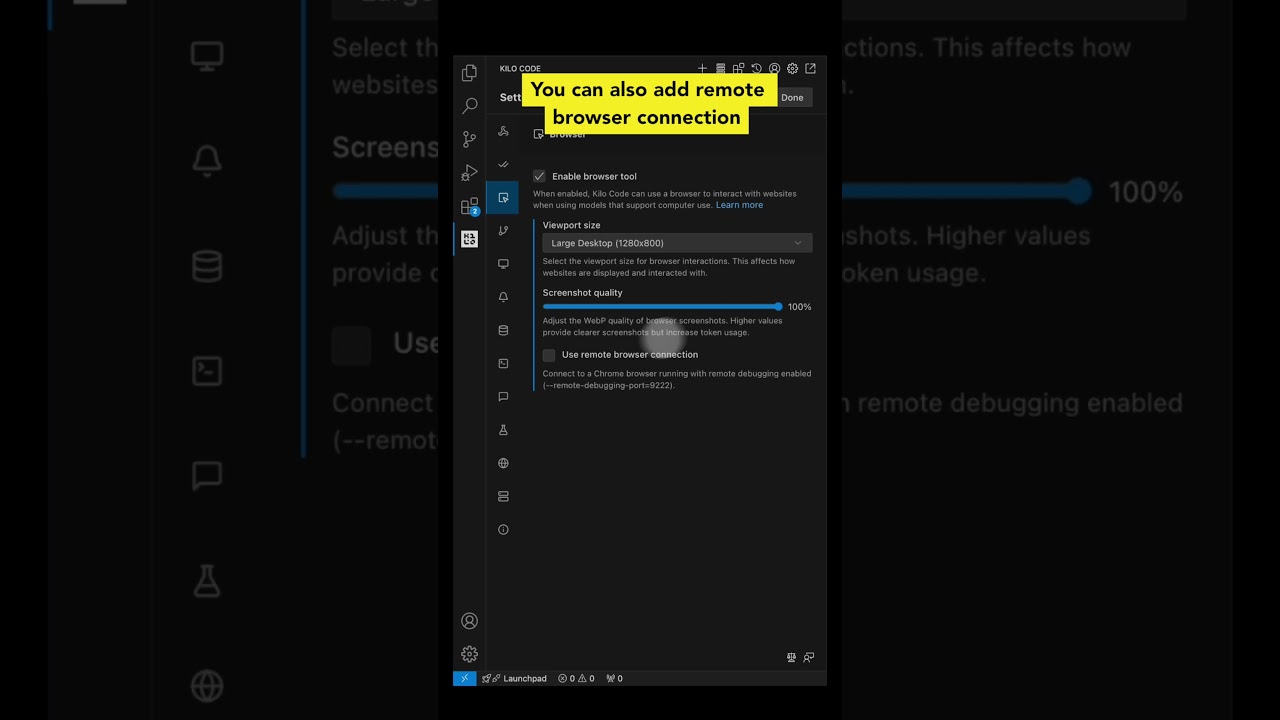](https://youtube.com/shorts/VMPKXt8k050?feature=shared) | [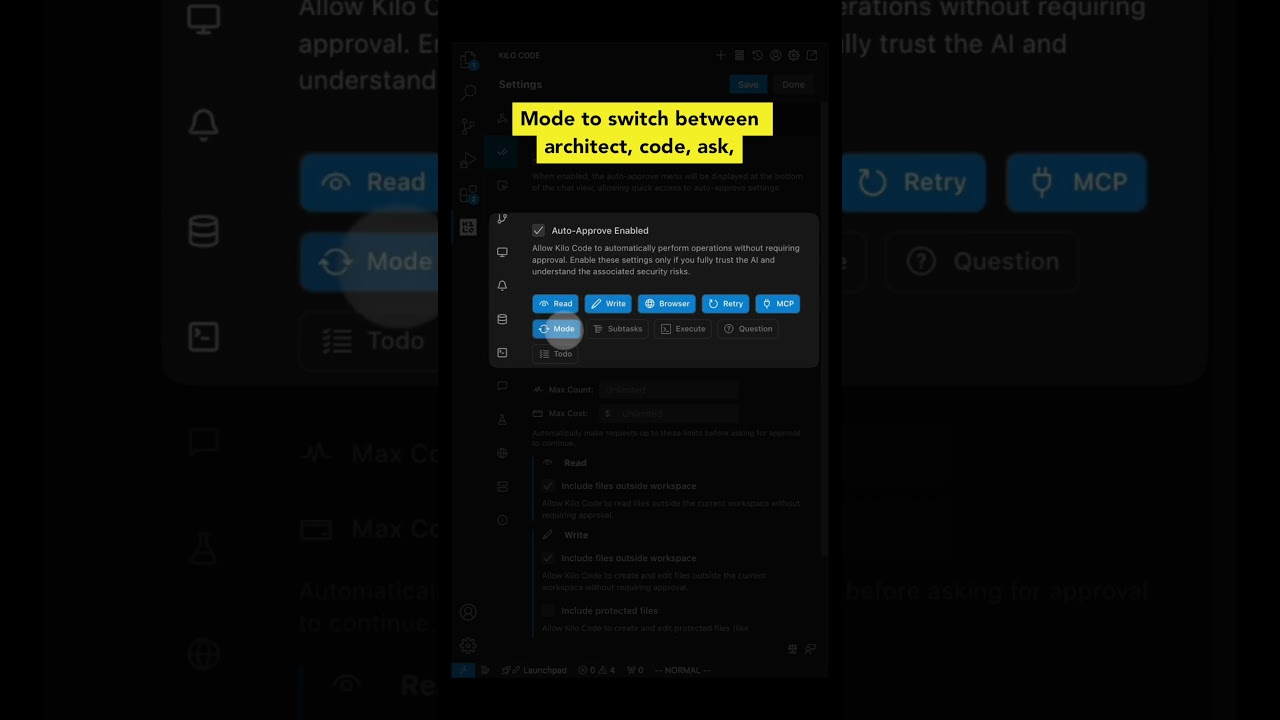](https://youtube.com/shorts/NBccFnYDQ-k?feature=shared) | [](https://youtube.com/shorts/qYrT2pbfS7E?feature=shared) | |
There was a problem hiding this comment.
The alt text for the images is generic ('KiloCode Demo 1', 'KiloCode Demo 2', etc.) and doesn't describe what each video demonstrates. Consider using descriptive alt text that matches the column headers like 'Browser Tab Demo', 'Auto-Approve Tab Demo', and 'Display Tab Demo'.
| | [](https://youtube.com/shorts/VMPKXt8k050?feature=shared) | [](https://youtube.com/shorts/NBccFnYDQ-k?feature=shared) | [](https://youtube.com/shorts/qYrT2pbfS7E?feature=shared) | | |
| | [](https://youtube.com/shorts/VMPKXt8k050?feature=shared) | [](https://youtube.com/shorts/NBccFnYDQ-k?feature=shared) | [](https://youtube.com/shorts/qYrT2pbfS7E?feature=shared) | |


2 participants


Adding watchlist to tips and tricks section